
Description
Important Notice: This product is not compatible with Mac Operating Systems, it will only function on Windows Operating Systems.
*Support for the product will end on April 11, 2023.
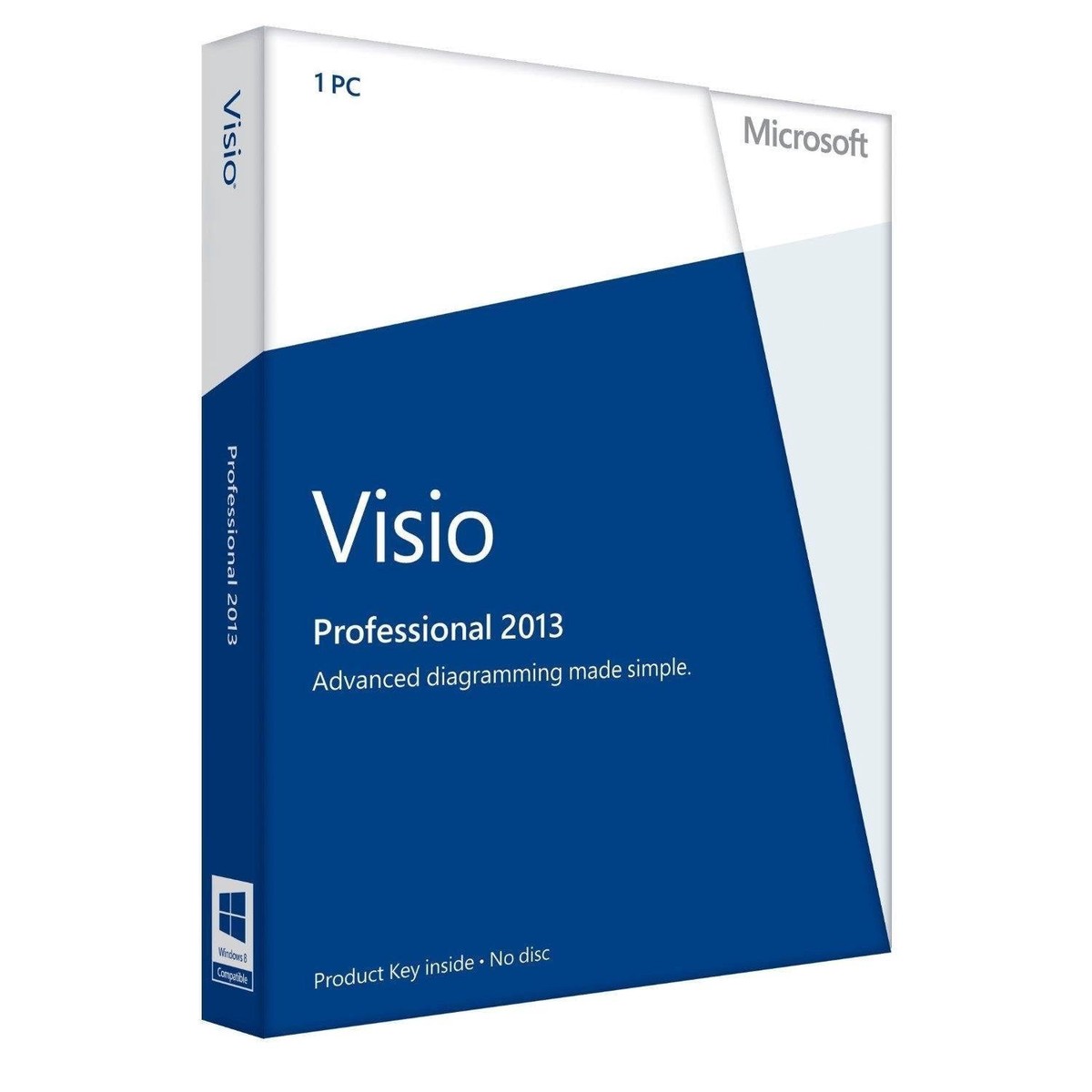
Microsoft Visio Professional 2013let you to learn about the new and improved features and capabilities in Visio that make it easier to create diagrams – so you can get your work done faster.
Benefits
Simplify complex information by creating professional diagrams in just a few clicks.
- Features designed to make it easier to create diagrams – including quicker access to frequently used tools, new and updated shapes and stencils, and improved and expanded themes and effects.
- Tools to make teamwork simpler, such as the ability to work together on the same diagram at the same time and improved commenting – in both Visio and Visio Services.
- Improved touch support, including for Windows 8 and Visio Services in the new Microsoft SharePoint.
- Options to make your diagrams more dynamic by linking shapes to real-time data, with an expanded set of supported sources.
- The ability to share your diagrams with others through a browser (even if they don’t have Visio installed) through Microsoft Office 365 or SharePoint.
- Support for updated diagramming standards, including Unified Modeling Language (UML) 2.4, Business Process Model and Notation (BPMN) 2.0, and Windows Workflow Foundation 4.0.
The new Microsoft Visio has:
Create professional diagrams quickly: Create engaging diagrams in just a few clicks with updated shapes and new formatting options and tools.
It’s easier to start creating and customizing diagrams
Visio is packed with enhancements to make it easier to get started, find the stencils you want to use, and quickly get great-looking results with over 60 built-in templates, many with updated shapes. You can also create and customize professional-looking diagrams using a rich set of expanded and improved effects and themes that apply a completely different design in just one or two clicks.
Perform common tasks more easily
Diagrams are seldom static, so Visio makes it easier than ever to update your diagram with new shortcuts for frequently performed tasks. You can get to frequently used tools right away with a significantly improved quick-access floating toolbar and easily replace any shape (or combination of shapes) in a diagram while preserving your shape connections, shape metadata, and the overall layout.
Create great-looking organization charts more easily
One of the most used templates in Visio – the organization chart – just got even better with several new styles – from professional to playful, which you can apply with just o



Reviews
There are no reviews yet.