
Description
Important Notice: This product is not compatible with Mac Operating Systems, it will only function on Windows Operating Systems.
*Support for the product will end on April 11, 2023.
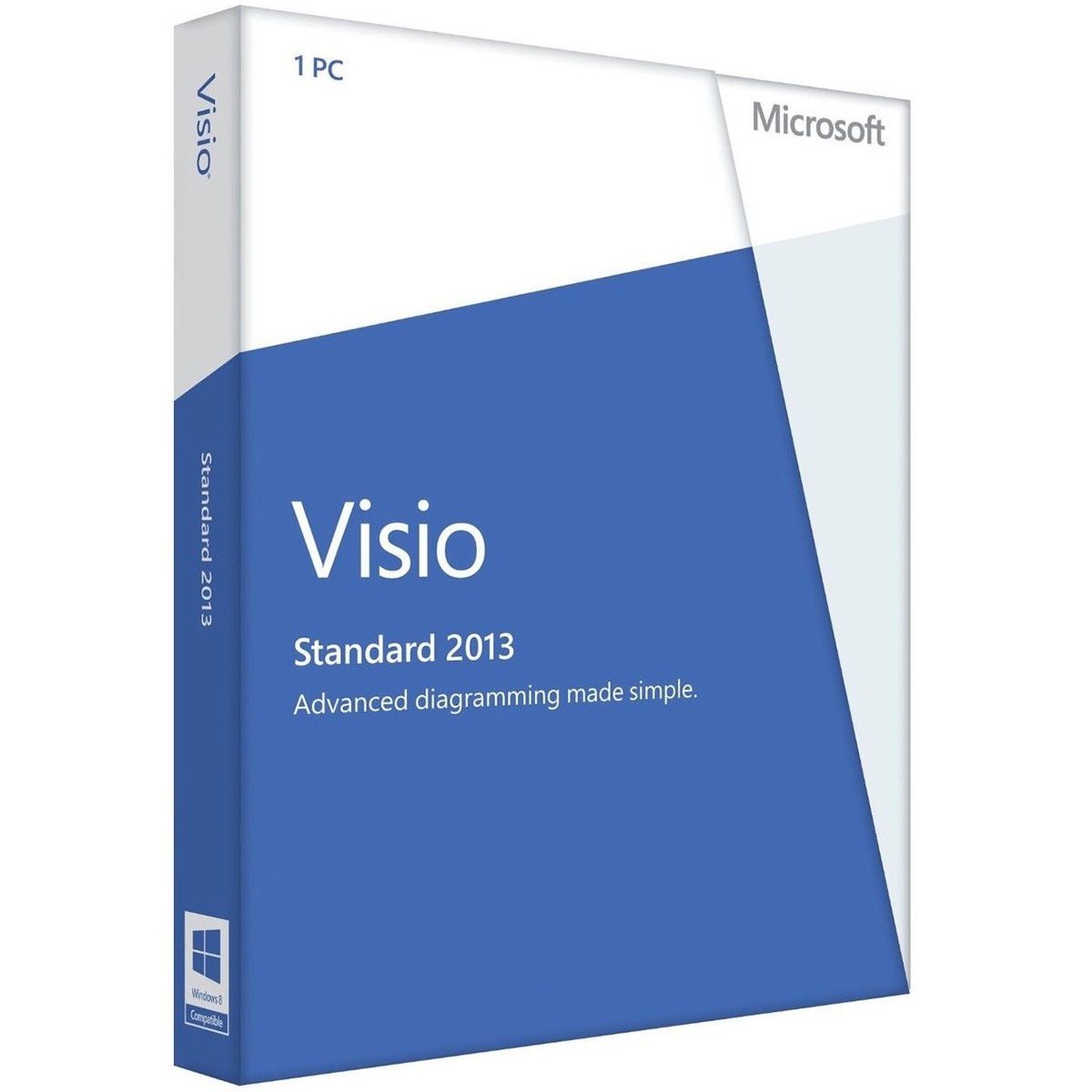
Microsoft Visio 2013 Standardis designed for individuals who are looking for a powerful diagramming platform with a rich set of built-in stencils. It helps users to simplify complex information through simple, easy-to-understand diagrams. Visio Standard includes stencils for business, basic network diagrams, organization charts, basic flowcharts, and general multi-purpose diagrams.
Get a jump start on your diagram
Take advantage of built-in templates, many with updated shapes. Visio Standard includes stencils for:
- General diagrams, such as basic and block
- Business diagrams, such as audit, brainstorming, marketing, and organization charts
- Flowcharts, such as basic, cross-functional, and simple workflows
- Maps and floor plans
- Basic network shapes
- Schedule diagrams and timelines
Create and customize diagrams easily
- Create and customize professional-looking diagrams using a rich set of expanded and improved effects and themes that apply a completely different look to your design in just one or two clicks.
- Easily find the stencil you need with built-in search right from the start screen.
- Create, review, and edit diagrams on Windows 8 tablets using touch, with improved support for common activities (such as adding and removing shapes) and gestures (such as pinch to zoom).
- Get a better view of how your diagram will look when printed with a new print preview.
Perform common tasks quickly
- Get to frequently used tools right away with a significantly improved quick-access floating toolbar.
- Easily replace any shape (or combination of shapes) in a diagram while preserving your shape connections, shape metadata, and overall layout.
- Easily give your diagrams the look you want with improved alignment, spacing, and sizing guides and new ways to adjust the appearance of your shapes (such as with drag handles).
- Duplicate and reorder diagram pages while preserving your diagram layout and metadata.
Customize organization charts easily with template and wizard improvements
- Use a simple wizard to create your org chart and import data from Microsoft Excel, Microsoft Exchange, or Microsoft Office 365.
- Quickly change the look of your org chart by applying one of several stylesfrom professional to playfulwith just one click.
- Fine tune the way your org chart looks with improved layout options and a new ribbon tab that provides access to simple yet powerful controls.
- Easily add a personal

Reviews
There are no reviews yet.